Email and calendar in one place
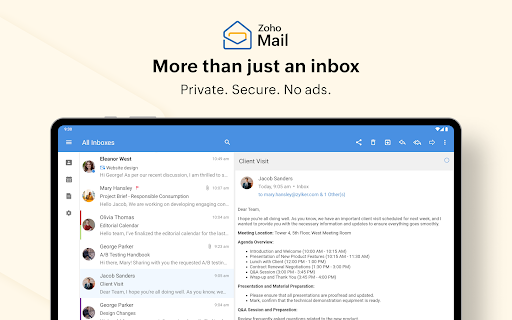
Zoho Mail combines email, calendar and contacts in an Android app. It may suit people who use Zoho email accounts and want to handle messages, appointments and contact details without switching between separate apps.
Managing messages
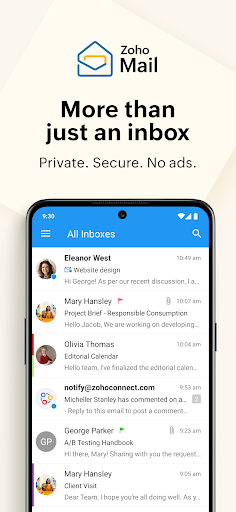
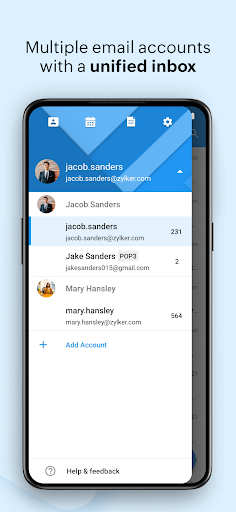
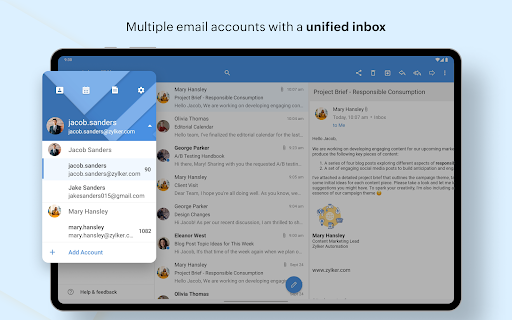
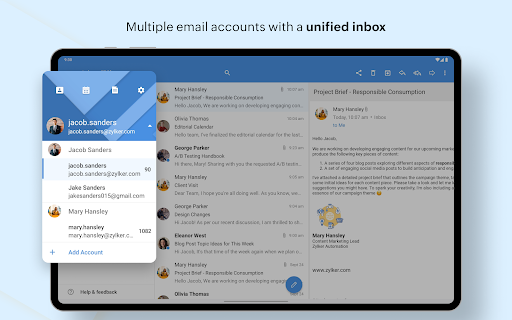
You can add multiple Zoho accounts, move between them or use a unified inbox to see mail together. Conversations group related messages into threads, which can help when a discussion has accumulated replies. Search includes suggestions and filters, while customizable swipe actions let you choose what happens when you swipe across a message.
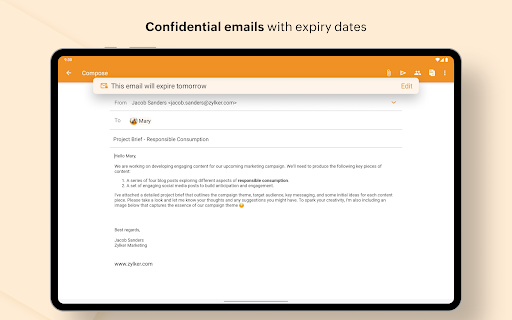
The app can also compose messages while you are offline; they are sent when a connection becomes available. That may be useful for drafting on a commute or in places with unreliable service, though it does not mean you can send mail immediately without internet access.
Calendar and team communication
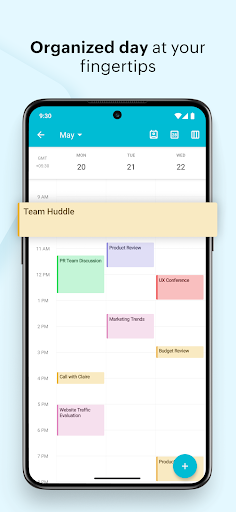
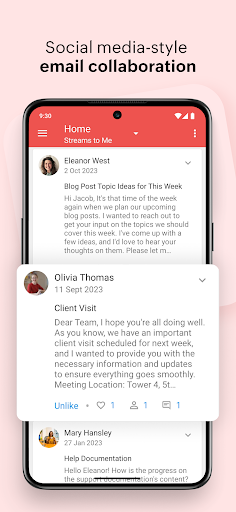
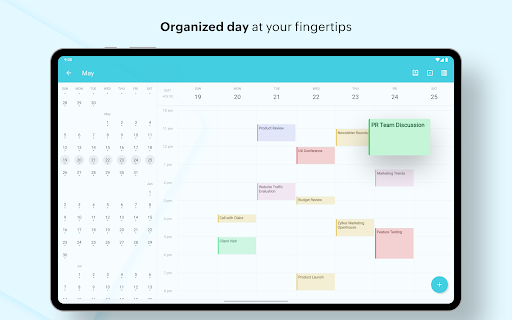
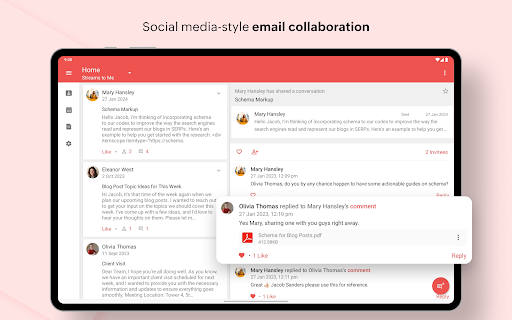
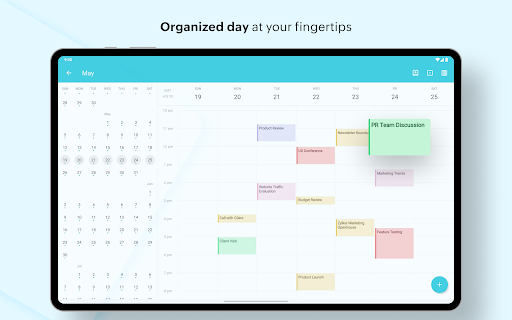
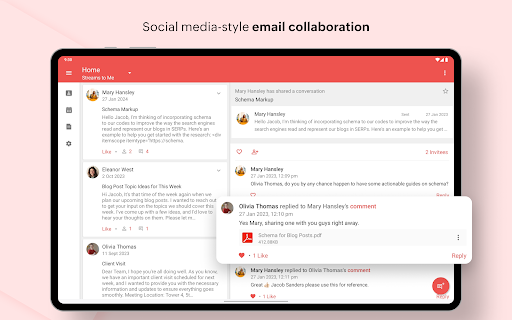
Calendar features let you view and schedule appointments and respond to invitations from within the app. Contacts can help you find messages from people in your address book or reach them by email or phone. For team use, Streams offers a way to hold conversations around work without keeping every exchange in a long email thread.
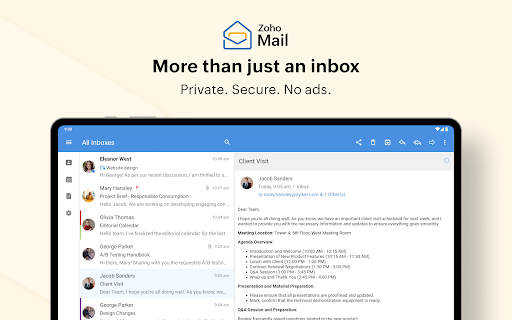
These combined tools make Zoho Mail more than a basic inbox, but the fit depends on how much of its calendar, contacts and collaboration features you will use. Tablet users may also appreciate that the app is designed for a range of Android tablet sizes.
How it may fit your routine
Zoho Mail is published by Zoho Corporation and is listed in Communication. Its 4.47 rating comes from 77,687 ratings, and the app has more than 5 million installs. Those figures show that many people use and rate it, but they cannot tell you whether its account setup and workflow suit your own devices and habits.