Keep your contacts ready to move
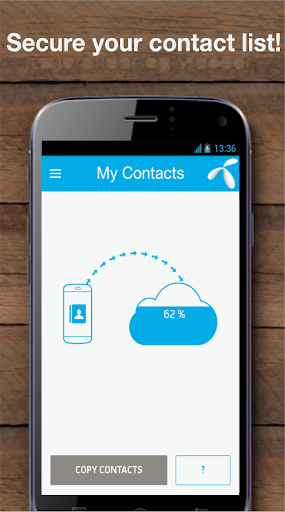
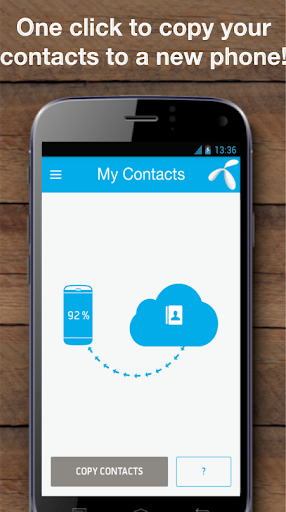
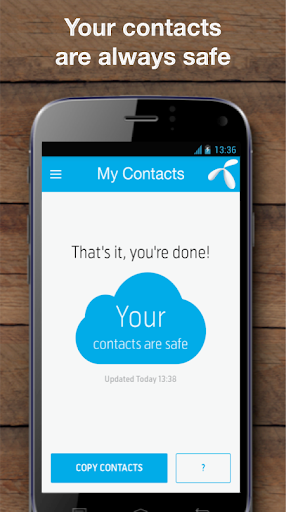
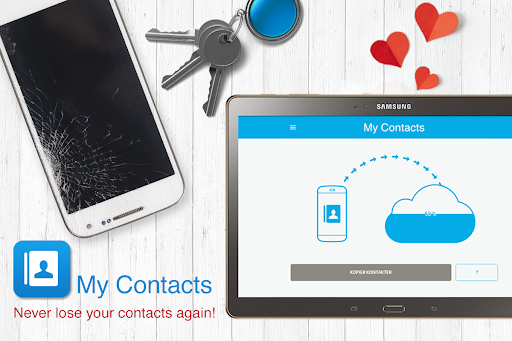
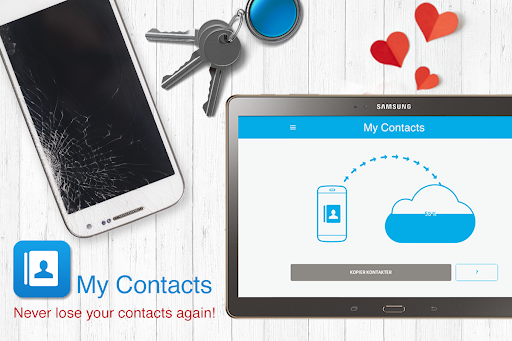
My Contacts - Backup&Transfer is a communication app from Telenor Norway for saving a copy of your phone contacts and moving them to another device. It may suit you if you are changing phones, resetting one, or want a separate backup in case your handset is lost or damaged. The app also offers SMS backup, so messages can be saved alongside your contacts.
Backup and transfer options
You can make a contact backup manually or use an automatic sync option that runs in the background. The app is described as supporting transfers between smartphones, including Android and iPhone, as well as feature phones. That may be useful when your old and new devices do not share the same operating system, though the process will depend on the phones and the service setup.
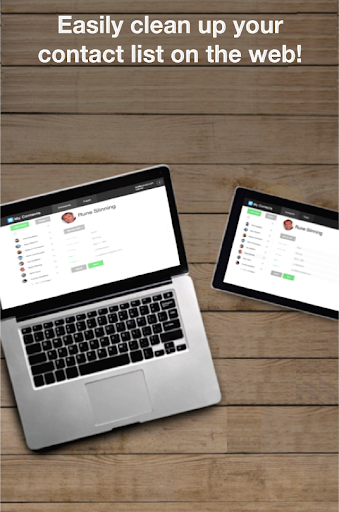
A web interface is also available for viewing and managing contacts. Its tools include merging or removing duplicates, which can help if a backup contains repeated entries. SMS backup is an optional part of the app rather than its main purpose.
Consider how you want to store your data
This app relies on an account and its backup service, so it is worth checking how that arrangement fits your preferences before putting your address book or messages there. Think about whether you need automatic syncing, whether you are comfortable using a web interface, and whether you want to keep a separate copy under your own control. A backup is most useful when you know how you will restore it on the device you plan to use.
Ratings are one input
My Contacts - Backup&Transfer has a rating of 3.83 from about 59,871 ratings and more than 5 million installs. Those figures show that many people have tried it, but they cannot tell you whether its account-based workflow or transfer options will suit your particular phones. Check those details against your own needs before deciding.