Open and make compressed files
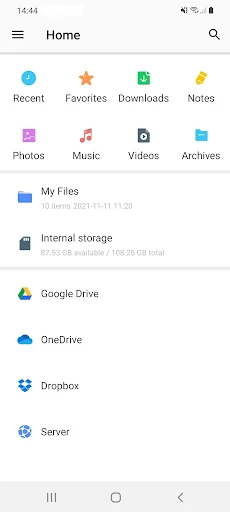
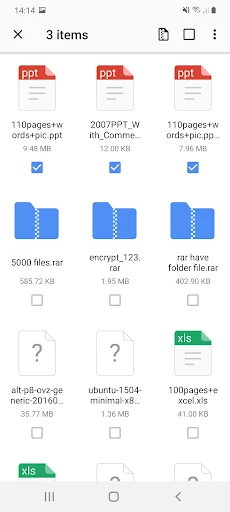
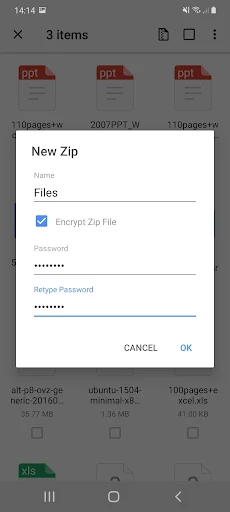
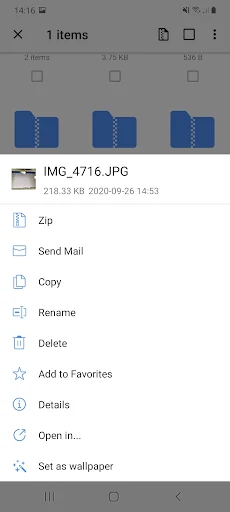
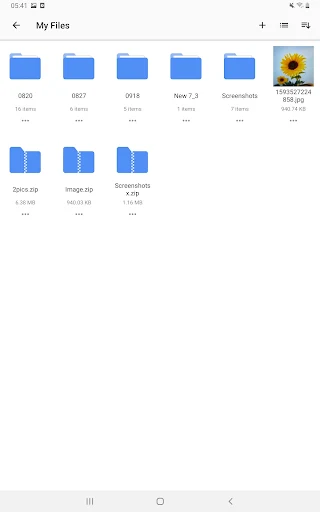
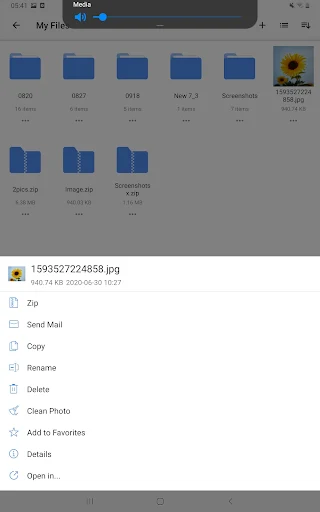
WinZip – Zip UnZip Tool helps you open compressed archives on an Android device, extract their contents and create ZIP files from items such as photos and videos. It suits people who regularly receive archives as email attachments or need to package files for sharing. The app can also create ZIPX files, though some creation and protection options are reserved for Premium.
Check contents before you share
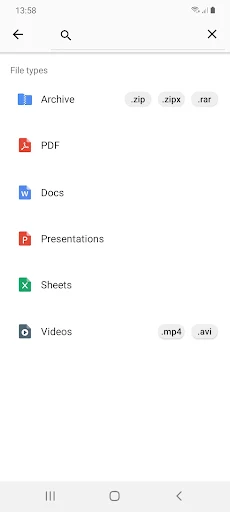
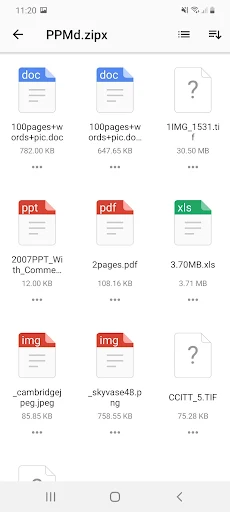
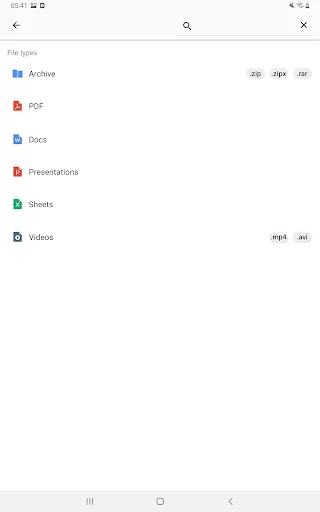
You can browse images inside an archive and view several common file types, including text files and web pages. For document formats such as Word, Excel, PowerPoint and PDF, WinZip can hand the file off to another app that supports it. This makes it useful for checking what an archive contains, but it is not a replacement for a full document editor.
Cloud and file protection options
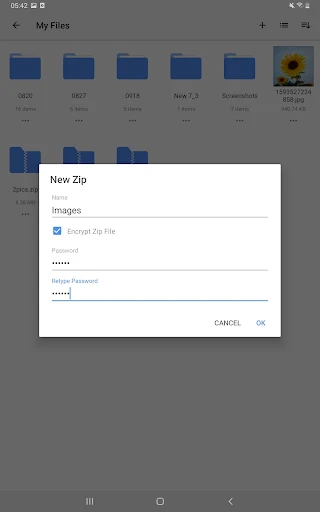
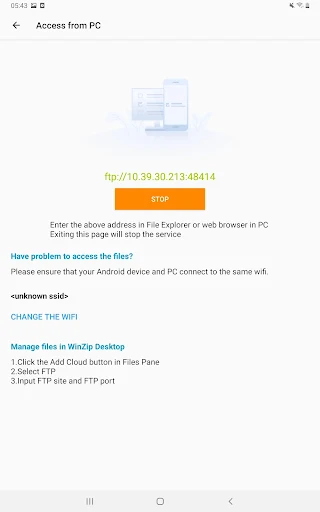
WinZip offers connections to cloud storage for managing archived files and sharing them. Direct integration with multiple cloud services, creating protected archives and some convenient sharing options are Premium features. The app also lists AES encryption for protected ZIP and ZIPX files; if encryption or cloud workflows matter to you, check which options are available in the version you use.
How it may fit your routine
With more than 10 million installs, WinZip is an established option for occasional archive tasks as well as regular file handling. Its rating is 2.72 from 102,507 ratings, which suggests many users have had mixed experiences. That score is context, not a prediction of how it will behave on your phone: consider whether you need straightforward extraction, cloud links or paid features before deciding if it suits your habits. The app is published by WinZip Computing, LLC.