Record what is happening on your screen
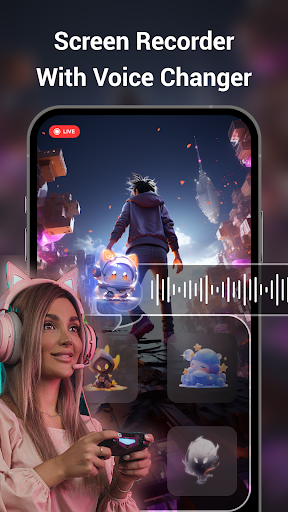
Screen Recorder+Video Recorder captures phone screen activity as video, making it useful for recording gameplay, explaining something on your screen, or keeping a copy of a video call. It also takes screenshots, so it can suit people who want both moving and still captures in one app.
Recording options
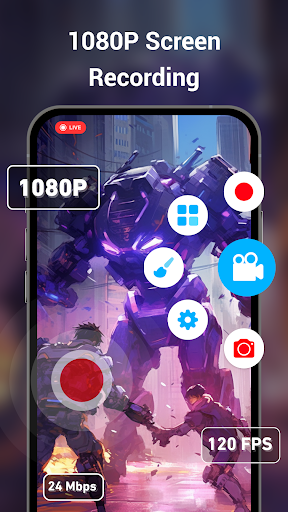
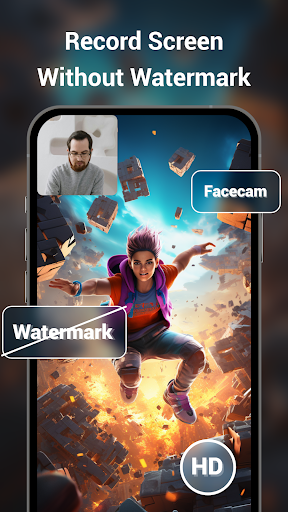
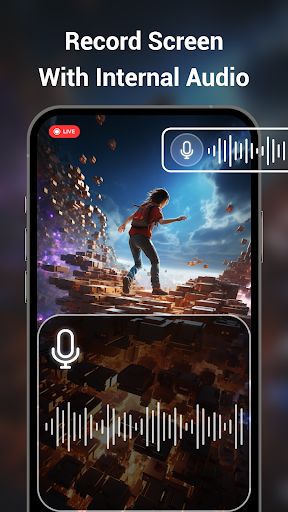
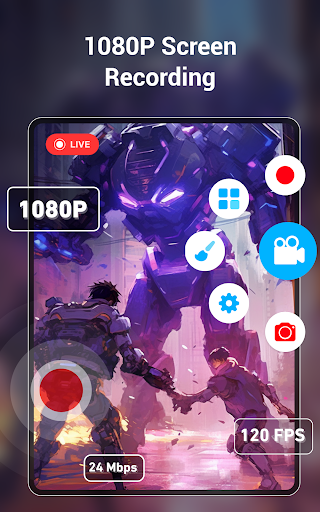
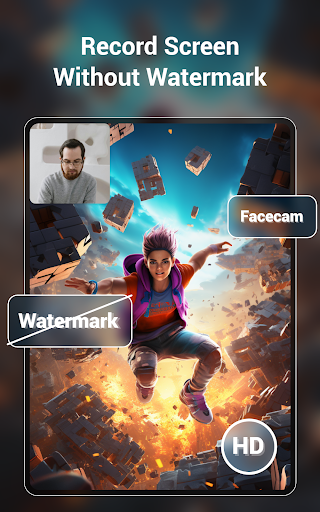
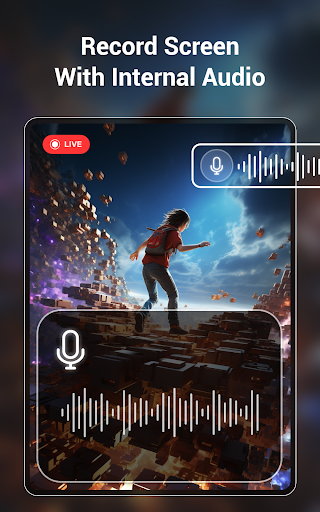
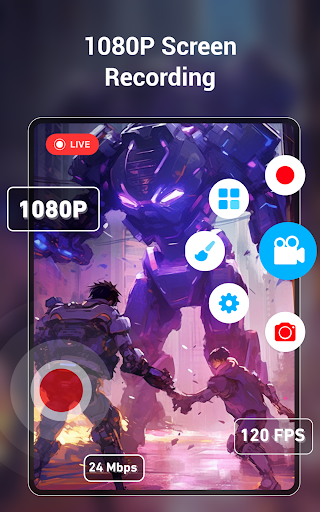
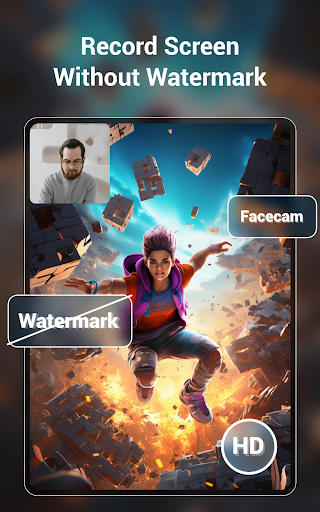
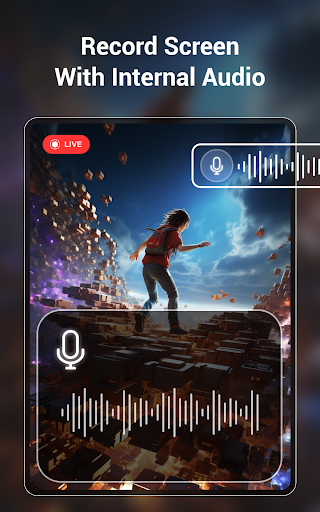
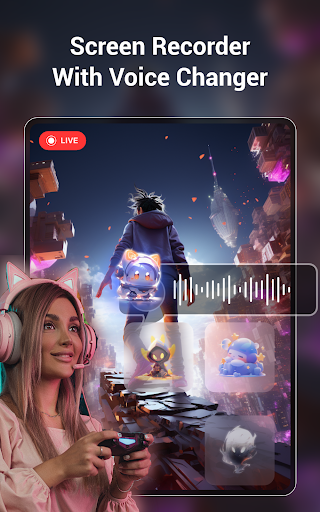
You can adjust video resolution, frame rate and bit rate, with the quality available depending in part on your phone. The app supports recording with audio, and on Android 10 or later it can capture internal audio. A facecam option lets you include a view from the front or back camera, which may help when adding reactions or demonstrations to a recording.
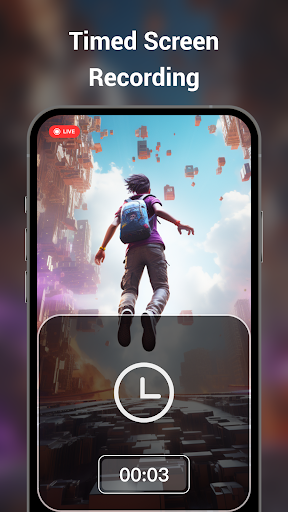
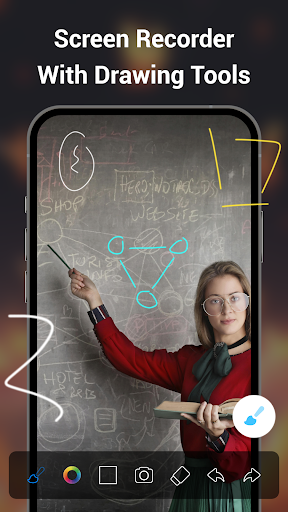
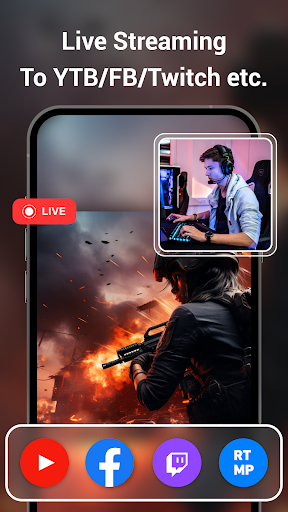
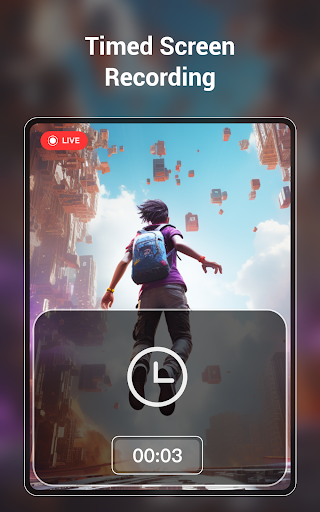
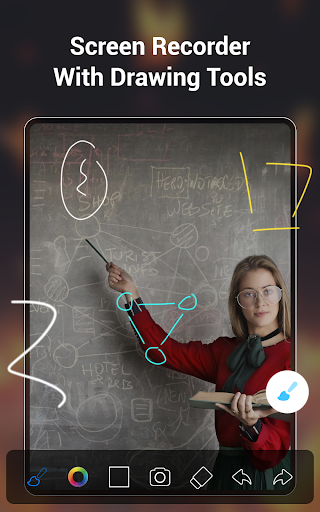
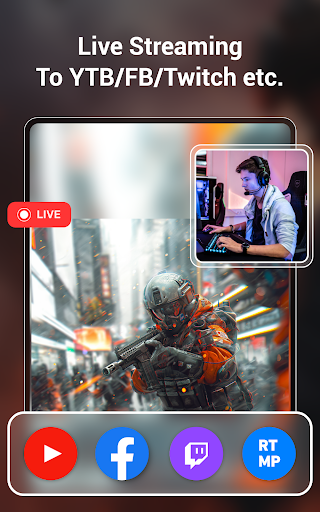
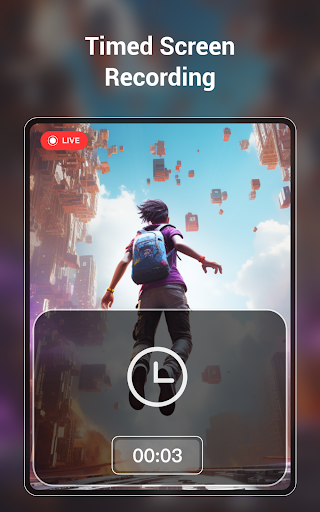
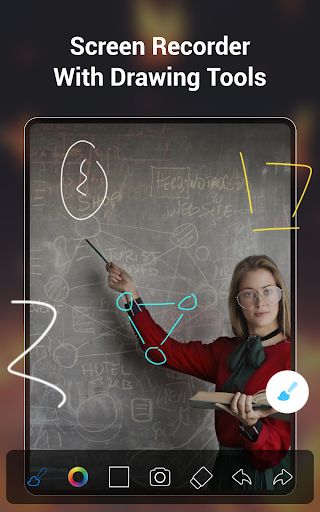
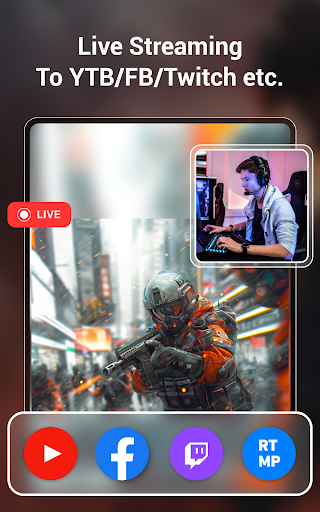
Other tools include drawing on the screen while recording, scheduled recordings that stop automatically, and live streaming to platforms that accept RTMP. Recordings can be made without a watermark, and the app also offers the option to add a text or photo watermark.
Is it a fit for your routine?
The range of controls may appeal if you want to tune recordings or make tutorials and gameplay clips. If you only need an occasional screenshot or a quick, unadjusted recording, several of these options may be more than you need. Recording performance and the quality you can select can vary with your device, so consider how your phone handles screen capture.
Popularity is one reference point
The app has a 4.59 rating from about 56,218 reviews and more than 5 million installs. Those figures suggest many people have tried it, but they cannot tell you whether its controls, output or recording tools will suit your phone and habits. It is published by Video Screen Recorder, Voice Audio Editor, Cut MP3.