Equalizer FX: Sound Enhancer
ZipoApps
Downloads
5,000,000+
Source
Google Play
Advertisement
Click to download now, finish the installation quickly, and directly unlock the all-round experience
Advertisement
Screenshots



Click to download now, finish the installation quickly, and directly unlock the all-round experience
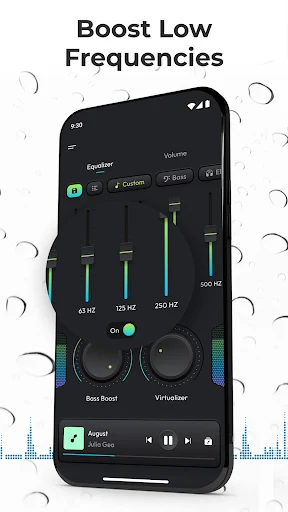
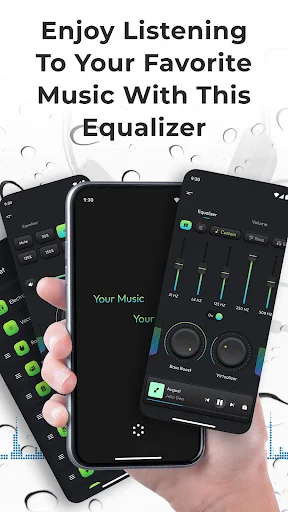
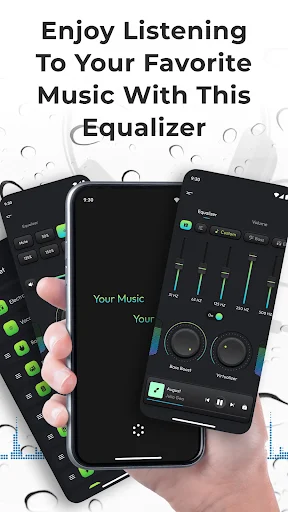
Equalizer FX: Sound Enhancer gives you controls for adjusting audio playback on an Android device. It suits listeners who want to change the tone of music, add weight to low frequencies, or widen the stereo effect rather than rely only on a player’s default sound. You can also use its volume-boosting effect, though louder playback may not suit every device or listening situation.
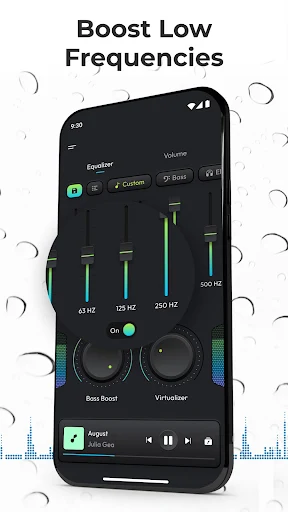
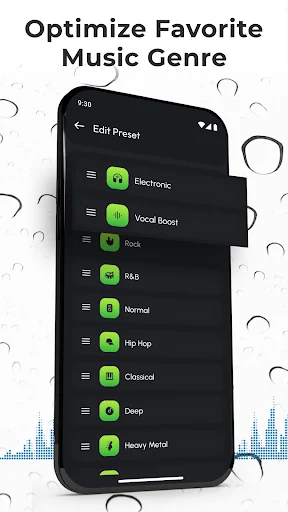
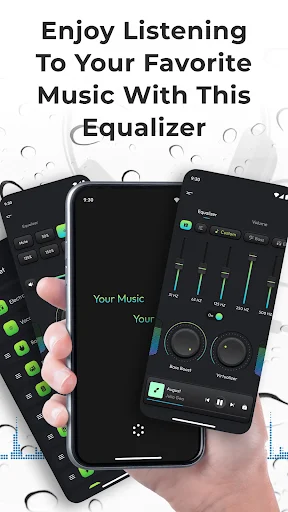
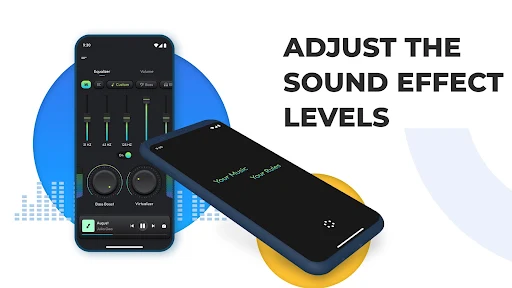
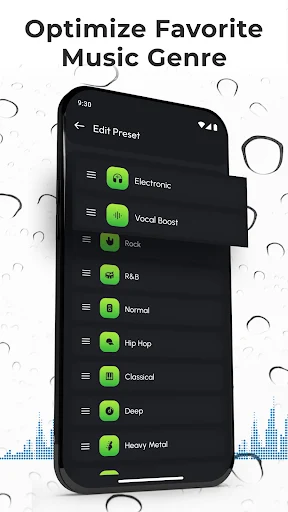
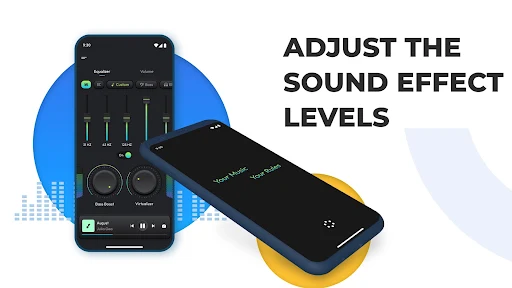
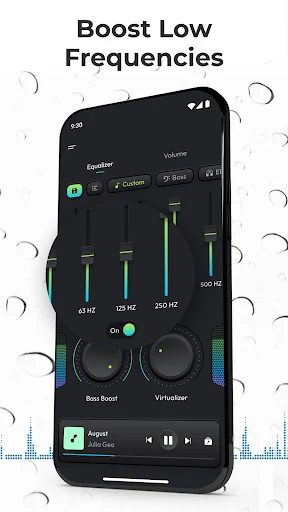
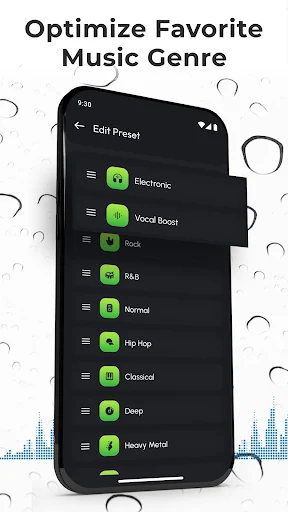
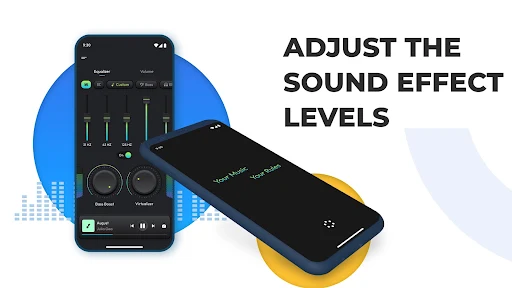
The app includes 12 equalizer presets, and you can make presets of your own. The equalizer changes frequency levels, while separate bass and virtualization effects provide other ways to alter the sound. These controls are useful if you often switch between different kinds of audio or headphones, but the result depends on your device and the audio being played. There is no single setting that will sound right for everyone.
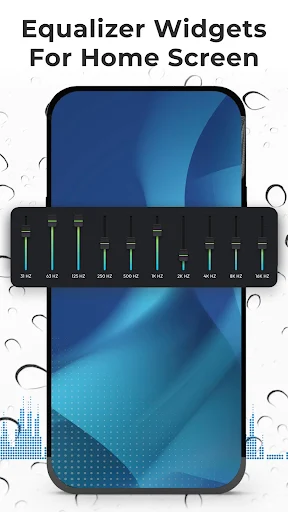
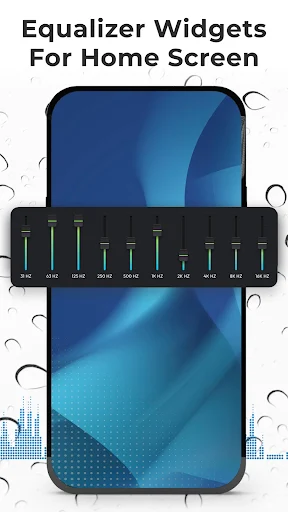
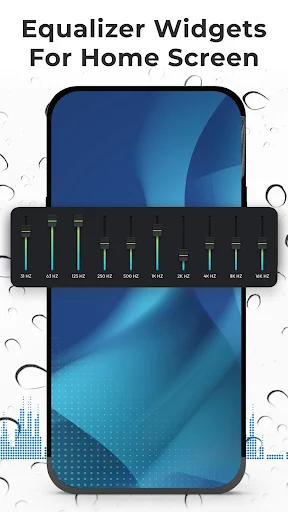
Equalizer FX is designed to work with music players and audio streaming services. It can turn on when playback starts and off when playback stops, and home-screen widgets offer another way to access controls. The app does not work with FM radio. Android audio-effect support can also vary, so it may not behave the same way with every player or device.
ZipoApps is the developer. The listing shows a rating of about 4.37 from 78,140 ratings and more than 5 million installs. Those figures show that many people have tried the app, but they cannot tell you whether its effects will suit your own speakers, headphones, music, or listening habits. If you prefer the sound as it is, extra controls may add little; if you like adjusting playback, the available settings give you several approaches to try.