Advertisement
Click to download now, finish the installation quickly, and directly unlock the all-round experience
Advertisement
Screenshots
Click to download now, finish the installation quickly, and directly unlock the all-round experience
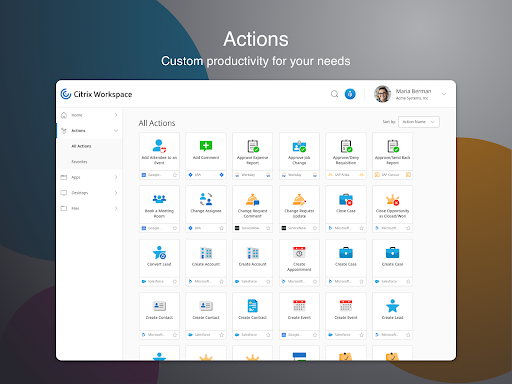
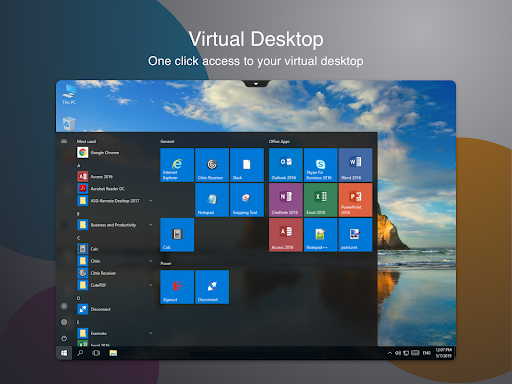
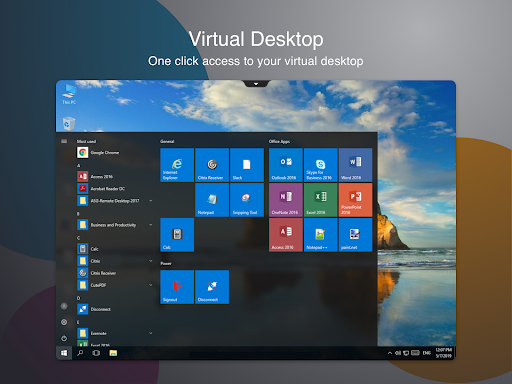
Citrix Workspace connects an Android phone or tablet to work apps, files and desktops provided through your organization’s Citrix environment. It suits people whose employer or IT team has set up Citrix access and who need to use company resources away from a computer. It is not a general-purpose office suite: what you can open depends on the services and access your organization provides.
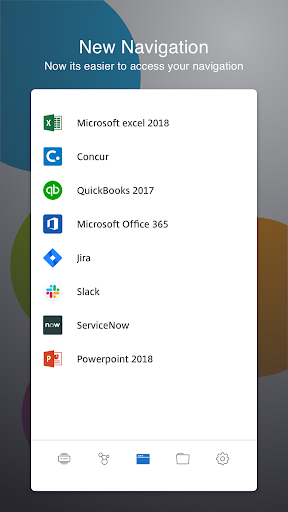
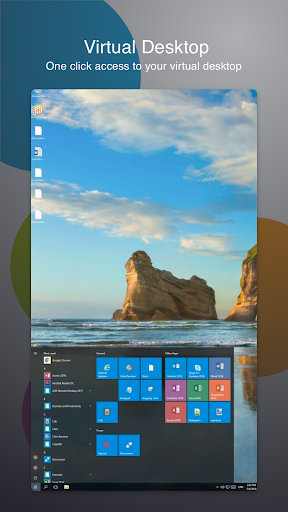
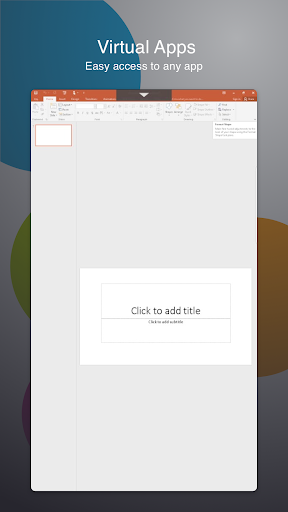
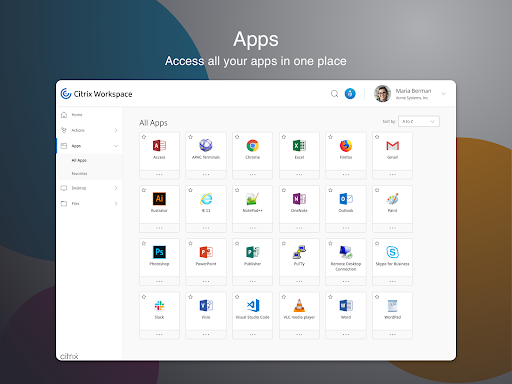
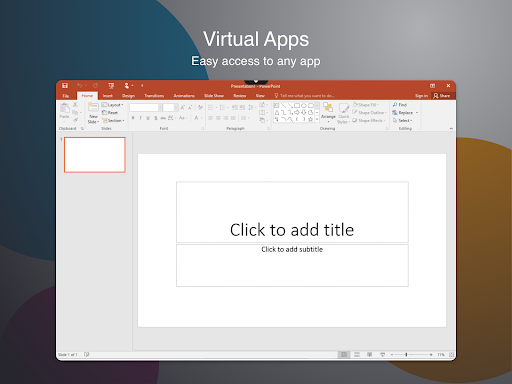
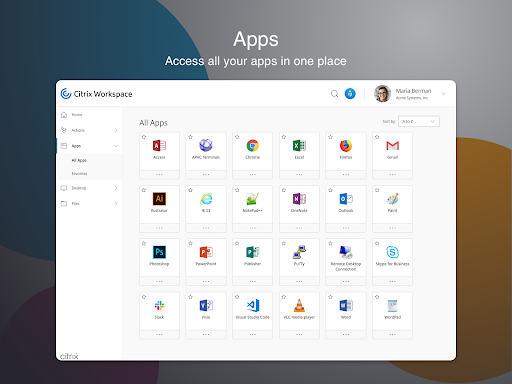
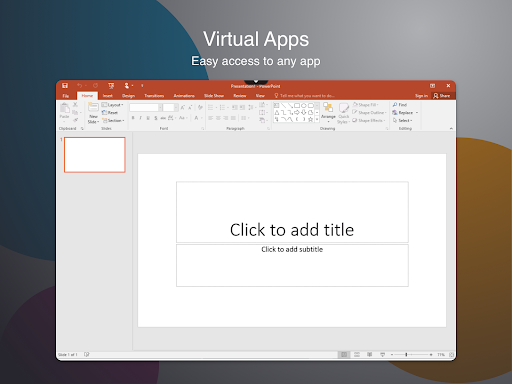
The app can bring supported web and SaaS apps, mobile or virtual apps, files and desktops into a shared workspace view. Depending on your organization’s setup, it can also support single sign-on with Citrix Secure Hub and Citrix Files. Some work tasks may feel comfortable on a phone; others, especially those designed for a full desktop, may be easier on a larger screen. Consider which tools you need and how you prefer to use them before making it part of your routine.
Citrix Workspace can connect to internal company websites and services. In supported sessions, it may also allow files to move between the Android device’s storage and the remote environment, and pass device information such as location or sensor readings to applications. These capabilities depend on how the organization has configured Citrix. Workspace hub support is described as experimental, disabled by default, and relevant only where such hubs are in use.
Citrix Systems, Inc makes this Business app. It has 10,000,000+ installs and a rating of about 4.0 from 65,561 ratings. Those figures show broad use and a mixed range of experiences, but they cannot tell you whether it will work smoothly with your employer’s setup or suit your phone and work habits. If your organization relies on Citrix, ask its IT team which resources are available and which permissions or companion services are needed.